
Layerdock vs Jam.dev
Jam if engineers and QA file bugs to each other and want a recording with full technical context. Layerdock if a client has to review a build and pin comments on the page.
Layerdock
Free to start
Free forever, no card. Pro is $19/mo per workspace, with unlimited client reviewers on every plan.
Jam.dev
from $14/creator/mo
Billed yearly, 50 creator seats. Free: 30 captures a month
Install
Nothing
Layerdock reviews a live site from a link. No extension for reviewers, and a snippet only for private staging.
Free forever, no card. Clients just open the link, nothing to install.
How this comparison was made
Both sets of prices were read off each vendor’s own pricing page on , not from a directory or another roundup, which are routinely months stale.
Layerdock makes one of these two tools. The section naming where Jam.dev is the better choice is real, not a softened weakness. If it fits your work better, buy it.
Jam.dev vs Layerdock at a glance
| Jam.dev | Layerdock | |
|---|---|---|
| Free plan | 30 captures and 5 recording links a month | Free forever, no card |
| Built for | Engineers and QA | Agencies and clients reviewing a build |
| Entry price | $14/creator/mo yearly | $19/mo (per workspace) |
| Pricing model | Per creator seat | Per workspace, unlimited reviewers |
| Free plan | 30 captures, 5 recording links/mo | 3 seats, 2 docks, 35 pins/mo |
| Console + network | Yes, in the capture | Captured on every pin, read on Agency |
| Client pinning on the page | No | Yes |
| Install | Extension + iOS app | None for reviewers |
 Layerdock
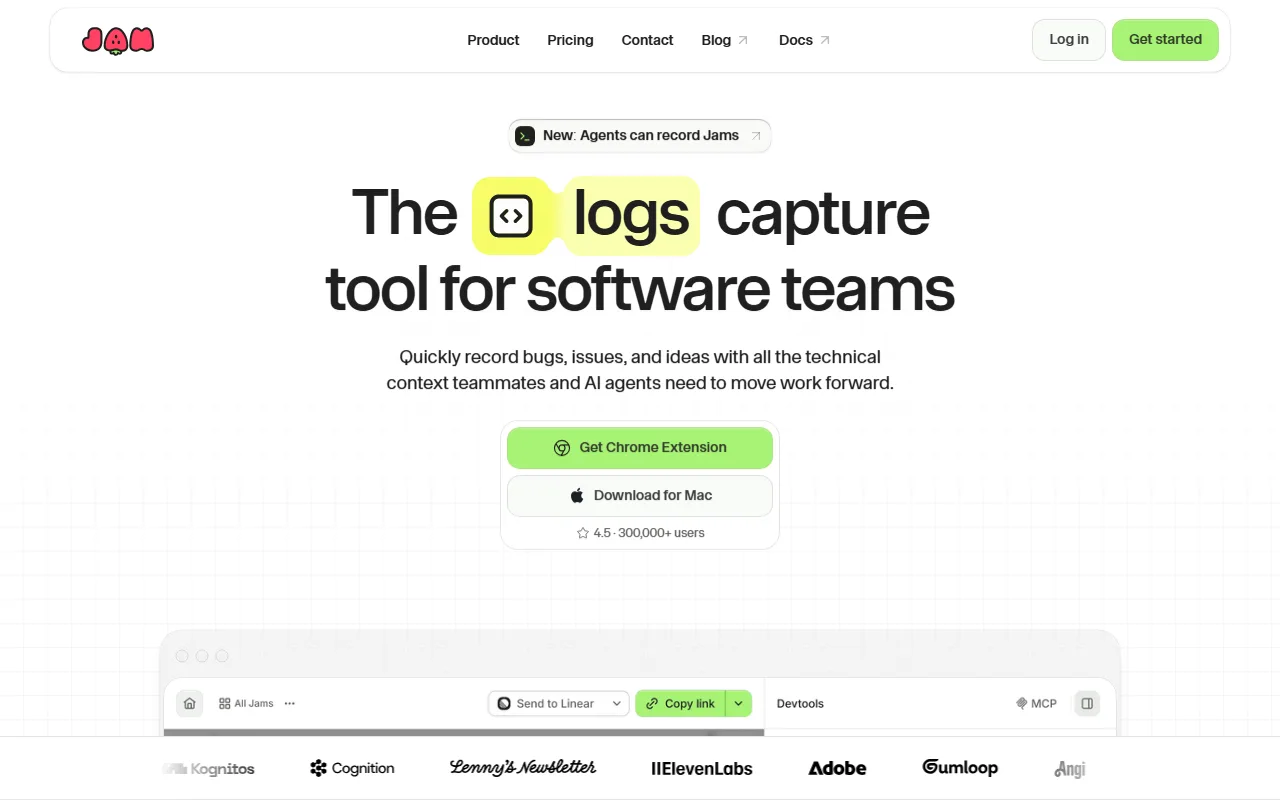
Jam is the strongest tool here for one narrow job: capturing a bug with full technical context. A screen recording, console logs, network data and user actions arrive in a single shareable link.
It is priced per creator at $14/mo billed yearly. The catch for agency use is the model. Jam is built around people who report bugs repeatedly and have a seat, not a client who leaves six comments and is never seen again.
Layerdock is for that client. The reviewer opens one link, clicks an element and writes a comment; nothing to install, no account. The developer gets the element, a screenshot and the console and network bundle (read on the Agency plan). The two are not really rivals, and some teams use both.
When Layerdock is the better choice
- A client review workflow: the reviewer opens a link, clicks an element and comments. Jam has no pin-onto-the-page workflow for a non-technical stakeholder.
- Reviewers need no extension and no seat. Jam is built around creators who have an account.
- Feedback is organised per dock and layer, with status, assignment and integrations into your tracker.
When Jam.dev is the better choice
- Best-in-class technical capture: a screen recording plus console logs, network data and user actions in one link.
- The lowest per-seat price in the comparison and an unusually generous free tier (30 captures and 5 recording links a month).
- Right for internal bug reports, where everyone reporting has a seat and knows what a console is.
Try Layerdock alongside Jam.dev
Paste your site, send one review link, and see which fits your team. The Free plan costs nothing.
Free forever, no card. Clients just open the link, nothing to install.
Everything in Layerdock, in one place
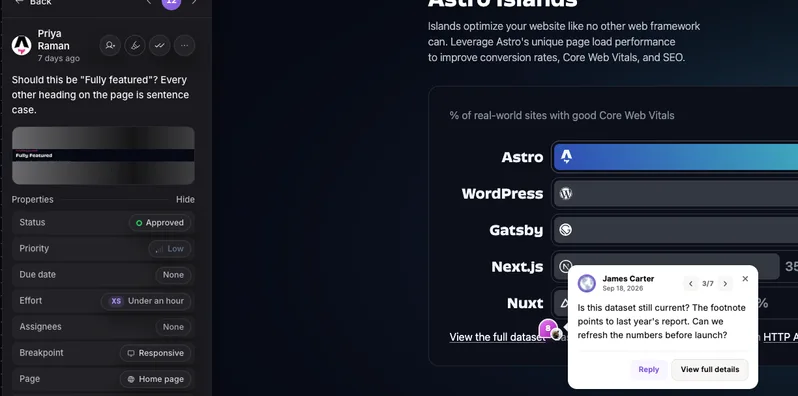
Pin it on the live page
Reviewers click any element on the real site and leave a comment. Nothing to install.
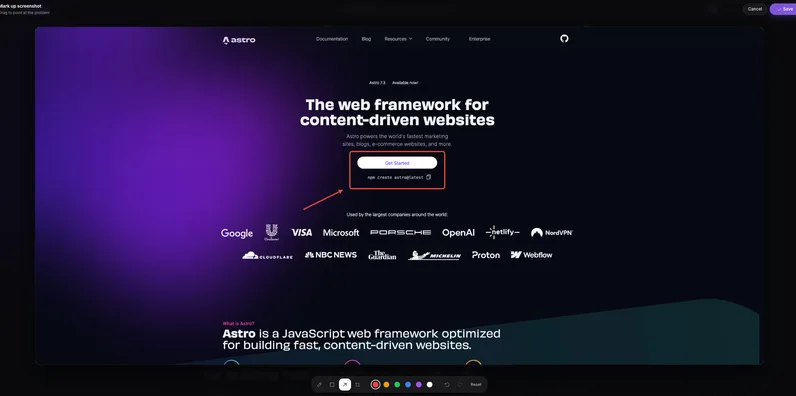
Draw and annotate
Mark up a screenshot with arrows and shapes so the change is obvious.
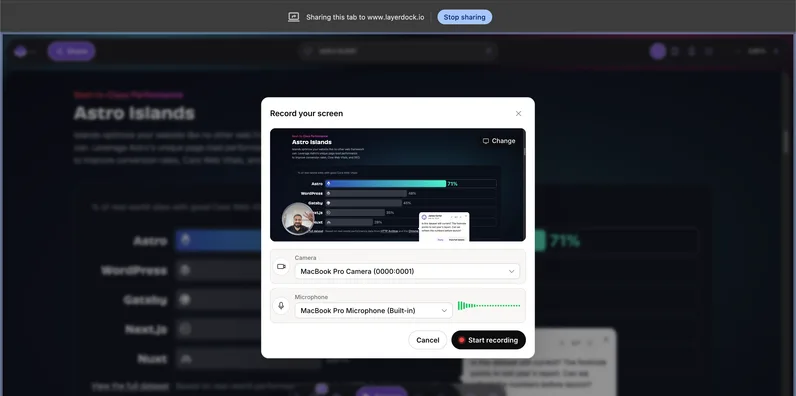
Record the problem
Screen recordings attach to the pin, so nobody has to explain it twice.
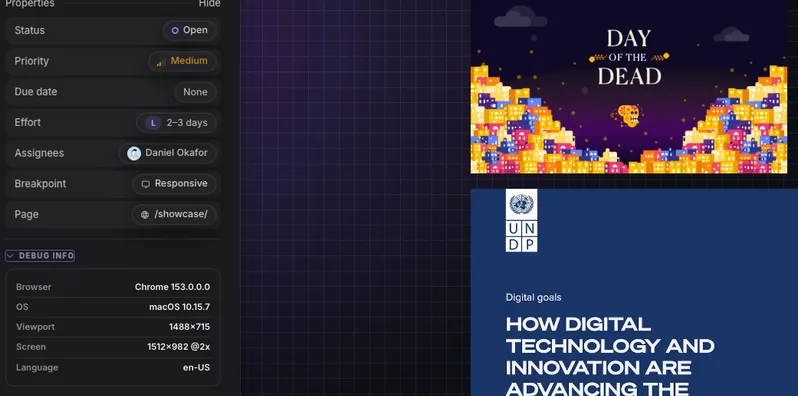
Console and network context
Every pin carries the errors and failed requests behind it for your developers.
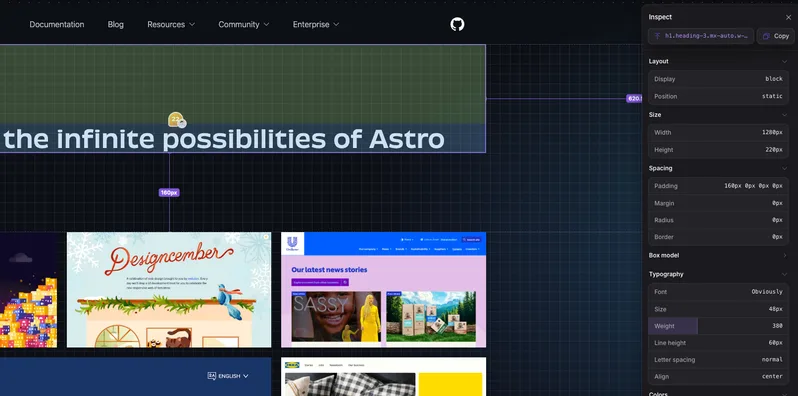
Inspect the element
See the exact element, its styles and its accessibility details from the pin.
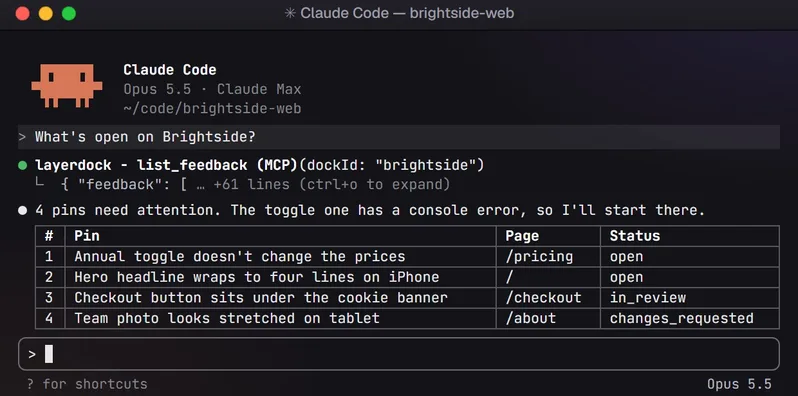
Hand it to your AI agent
Connect over MCP so your coding agent reads the feedback and fixes it.
How it works
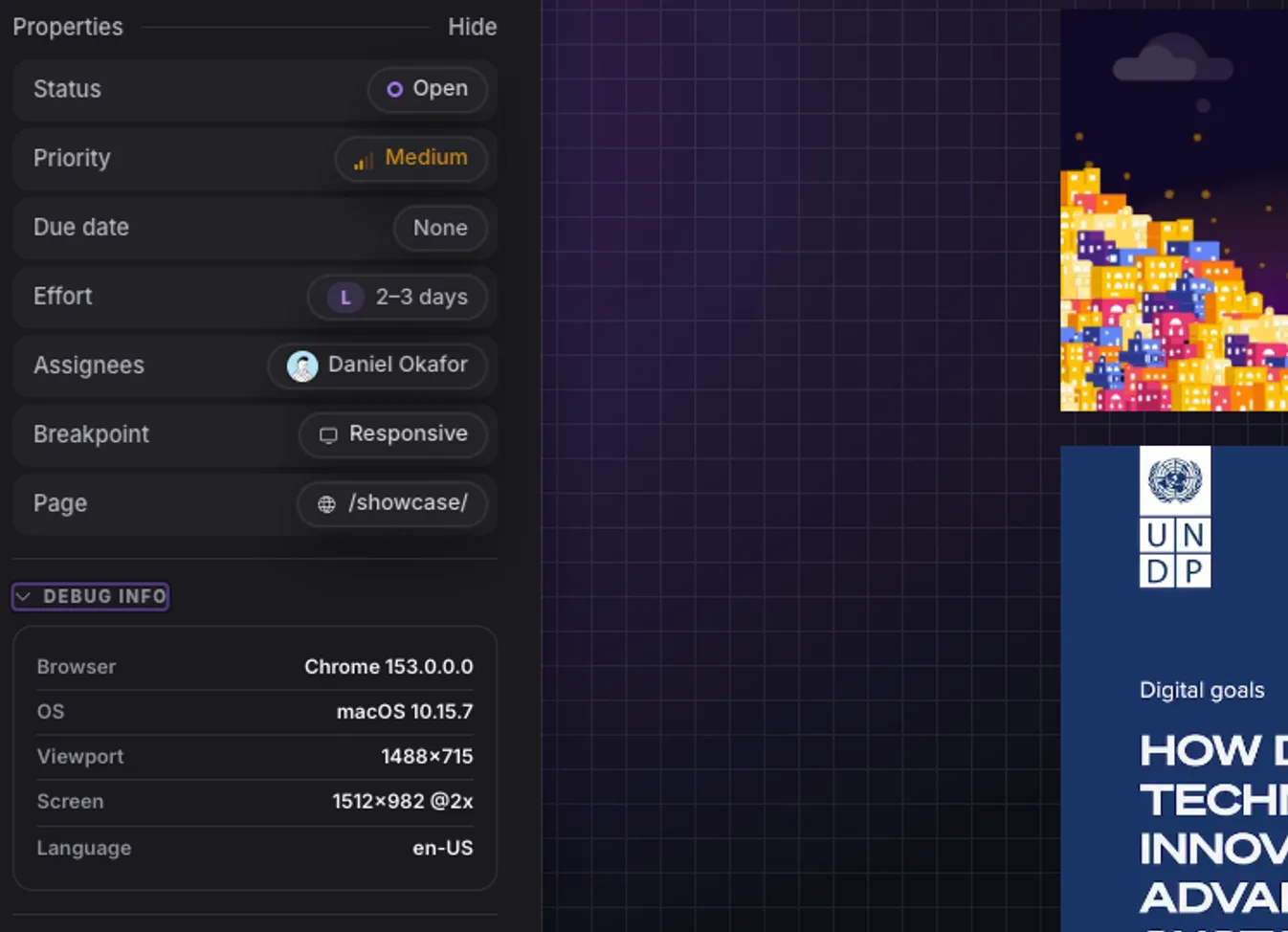
1. Capture
Paste your site URL into a dock.
2. Share
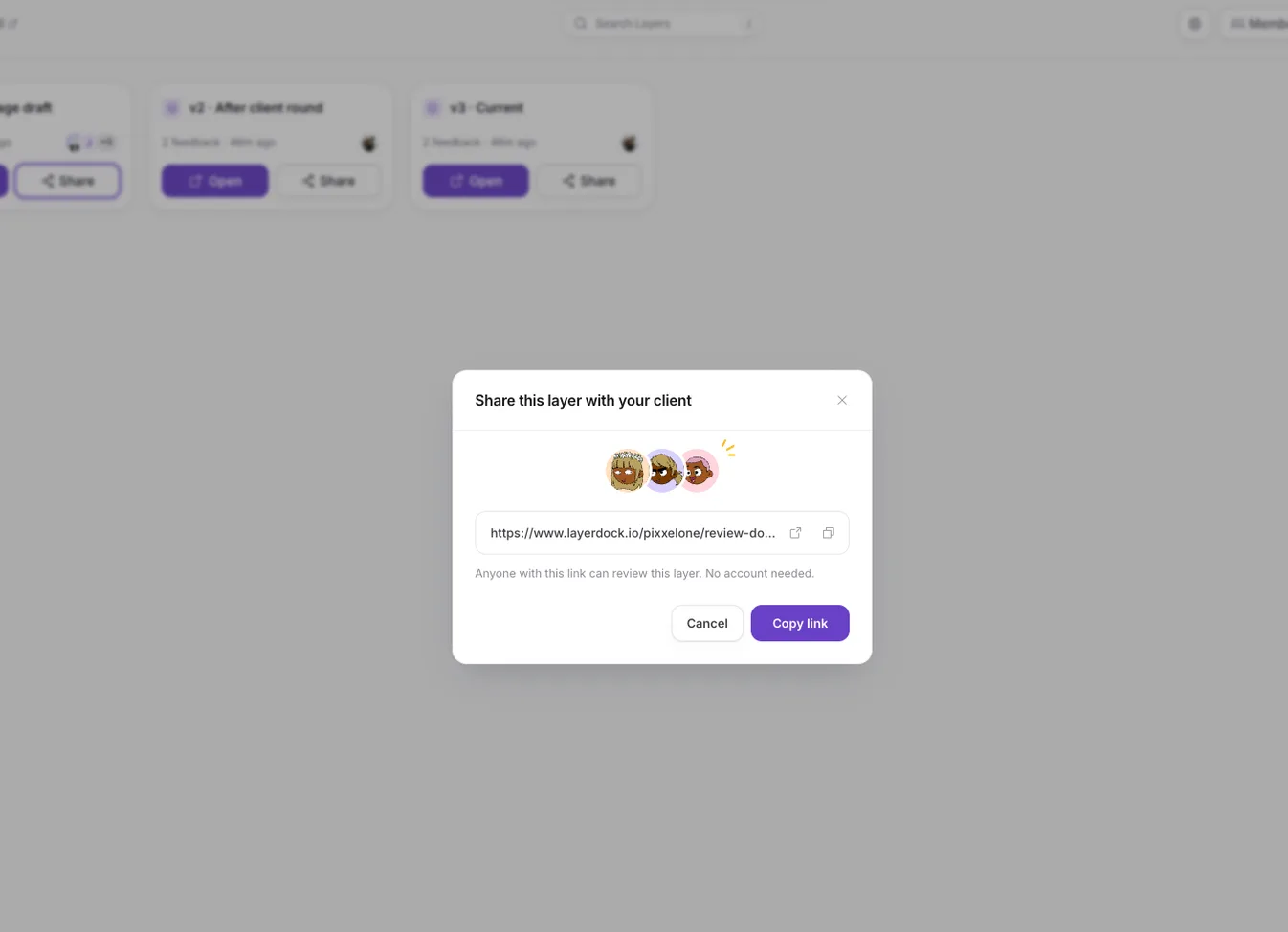
Send the link. Clients need no account.

3. See
Every pin lands in one place, with context.
Layerdock pricing
Free
$0
Free forever, no card. Pins on the live site, unlimited client reviewers, one client share link.
Pro
$19/mo
Pro: per workspace, unlimited reviewers, 5 docks
Agency
$69/mo
Agency ($59/mo billed yearly): unlimited docks, console + network diagnostics
Console and network diagnostics are on the Agency plan, not the entry plan. Compare that tier, not the headline price, if diagnostics are what you are buying. See full pricing.
Not just us: the whole shortlist
This page argues one tool against another. If you have decided to leave Jam.dev but not what to move to, Jam.dev alternatives ranks the realistic options by verified entry price, including the ones cheaper than us. Choosing by the job instead? The client feedback tools for web development guide sorts them by job.
Common questions
Is Jam.dev a client feedback tool?
Not really. It captures bugs with technical context for people who have a seat. There is no pin-on-the-page review workflow for a non-technical client.
Which is cheaper?
Jam at $14 per creator per month (billed yearly) is cheaper for a very small team. Layerdock is $19/mo for the whole workspace, so it wins as the number of team members grows.
Review the live site, with nothing to install
Paste a URL, share the link, and your client pins comments on the real page. Plans start free.
Other comparisons
Layerdock vs BugHerd
BugHerd from $50/mo
Layerdock vs Marker.io
Marker.io from $39/mo
Layerdock vs MarkUp.io
MarkUp.io from $79/mo
Layerdock vs Userback
Userback from $49/mo
Layerdock vs Huddlekit
Huddlekit from $16/mo
Layerdock vs Ybug
Ybug from €13/mo
Layerdock vs Ruttl
Ruttl from $18/user/mo
Layerdock vs SureFeedback
SureFeedback from $25/mo
Layerdock vs Pastel
Pastel from $35/mo
Layerdock vs PageProofer
PageProofer from $39/mo
Layerdock vs Feedbucket
Feedbucket from $49/mo
Layerdock vs Bird Eats Bug
Bird Eats Bug from $50/mo
Layerdock vs Atarim
Atarim from $67/mo
Layerdock vs zipBoard
zipBoard from $99/mo
Layerdock vs Usersnap
Usersnap from €49/mo
Want the whole category rather than one head-to-head? Compare 17 website feedback tools, read what a dock is, or go straight to pricing.