On this page
An AI coding agent fixes a front-end bug well when the bug report tells it exactly where to look and what fixed means: the page URL, something it can search the codebase for, what happens and what should happen, and the raw evidence from the browser. Agents rarely stop to ask a clarifying question the way a colleague would. Given a vague report they make a plausible guess, and a confident wrong fix costs more review time than no fix at all.
Why agents struggle with ordinary bug reports
A bug report written for a person leans on shared context. “The trial button on pricing is broken” works in a team chat, because the reader knows the site, can open it, and will ask what “broken” means. A coding agent starts from the repository, not the browser. To act on that sentence it has to:
- work out which route renders “pricing”, and which of several buttons on it is the “trial button”;
- guess what “broken” means: nothing happens, the wrong thing happens, or it looks wrong;
- reproduce state it cannot see, such as which account, which screen size, which query string;
- rebuild an error message from a paraphrase, when the exact text is the fastest thing to search for.
Every guess is a place for the fix to go wrong. The result often looks reasonable in the diff and changes the wrong component, or fixes the symptom at one screen width only. The cure is not a longer report. It is a report with the right six things in it.
The six things an agent needs
1. The exact page and state
The full URL including any query string, and anything about the state that matters: signed in or out, what kind of account, what was in the basket. “/pricing?billing=annual as a signed-out visitor” narrows the search from the whole app to one route and one branch of its logic.
2. A handle into the code
Something the agent can search for. The visible text of the element is often the best one: “Start free trial” finds the component in a single search. A CSS selector helps when the text is generic, and a component name helps most of all if you know it.
3. What happens, and what should
One sentence each: “tapping the button does nothing” and “it should open checkout for the annual plan”. The expected result doubles as the agent’s definition of done, so make it testable. “The same height as the buttons in the header” can be checked; “better” cannot.
4. The raw evidence, word for word
Paste console errors and failed requests exactly as the browser shows them: the error text, the file and line if there is one, and for a request its method, URL and status code. Do not paraphrase. An exact error such as Cannot read properties of undefined (reading 'priceId') points at one line of code; “some JavaScript error” points nowhere.
5. The environment
Browser, operating system and, above all for layout bugs, viewport width. A CSS bug at 390 pixels wide is a different bug from the same symptom at 1440. Include a screenshot if you have one: most coding agents, Claude Code and Cursor among them, accept images alongside text.
6. Limits, and a way to check
What the agent must not touch (“do not change the pricing API”, “reuse the existing button component”) and how to confirm the fix: the test command, and the page and width to look at afterwards. Limits keep the change small, and a verification step means the agent checks its own work before you do.
A bug report template you can paste
Fill it in top to bottom. If you do not know a line, leave it out rather than guess; a wrong detail sends the agent the wrong way with confidence.
Page:         https://staging.example.com/pricing?billing=annual
              (signed out)
Element:      button "Start free trial"
              selector: .plan-card--team button
Viewport:     390 x 844, Safari on iOS
Happens:      Tapping the button does nothing.
Should:       Open checkout for the annual Team plan.
Console:      TypeError: Cannot read properties of undefined
              (reading 'priceId') at PlanCard.tsx:48
Network:      No request is sent.
Don't touch:  The pricing API. Reuse the existing button styles.
Check with:   npm test -- pricing, then the page at 390px wide.
What the agent does with it
Given that report, a capable agent’s path is short, and you can check every step of it:
- It searches the repository for “Start free trial” and finds the plan card component.
- It opens the file at the line in the error and sees the button reading a price id from the selected plan, which is undefined when the annual toggle is on.
- It traces why (say, annual prices are stored under a different key) and makes the smallest change that fixes it without touching the pricing API.
- It runs the pricing tests and tells you what it changed and why, citing the error it started from.
Compare that with “the trial button on pricing is broken”. The agent may still find the right file, but it has to guess the failure and has no error to test its guess against. The six fields turn a search problem into a lookup.
Handing it over: paste, ticket or MCP
Paste it into the chat
Fine for a one-off. Copy the report, attach the screenshot and ask the agent to fix it. The weak point is the copying: every field above has to be gathered by hand from the browser, and the person who saw the bug is often not the person running the agent.
Put it in the tracker
If bugs already become Jira, Linear or GitHub issues, use the template as the issue body. Agents that can read your tracker pick it up from there, and the issue keeps the history. The capture problem remains, though: someone still has to copy the evidence out of a browser.
Let the agent fetch it over MCP
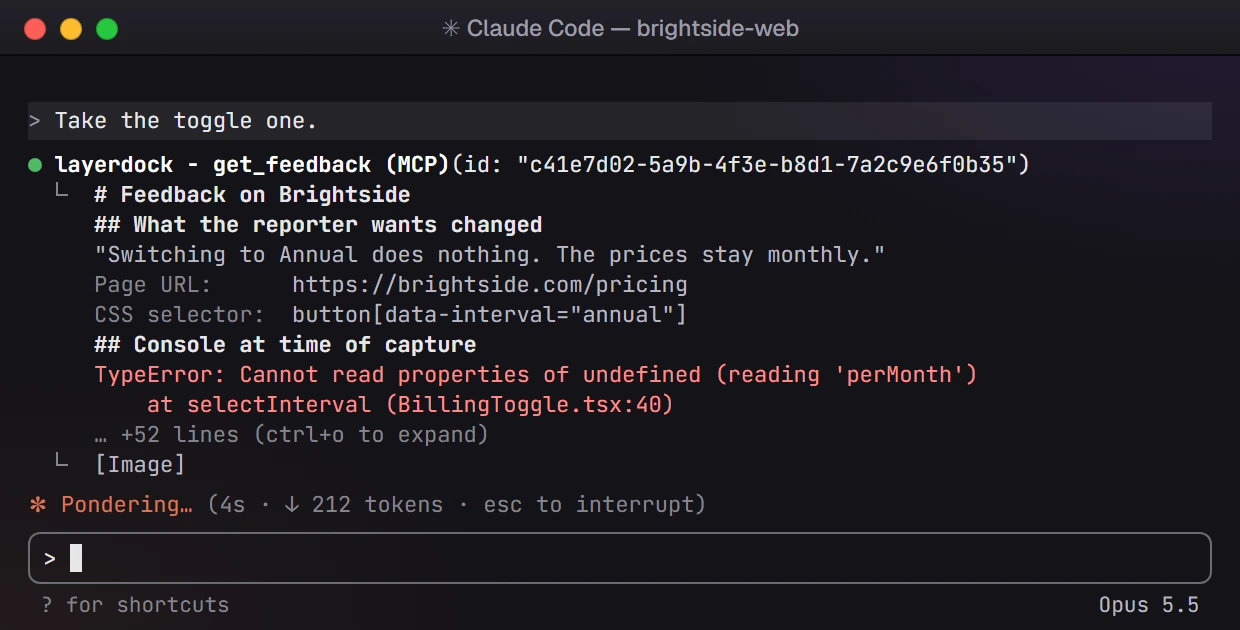
The Model Context Protocol lets a coding agent call outside tools. If your feedback tool runs an MCP server, the agent pulls the report itself, with the evidence captured at the moment the reviewer saw the bug, and nobody retypes anything.
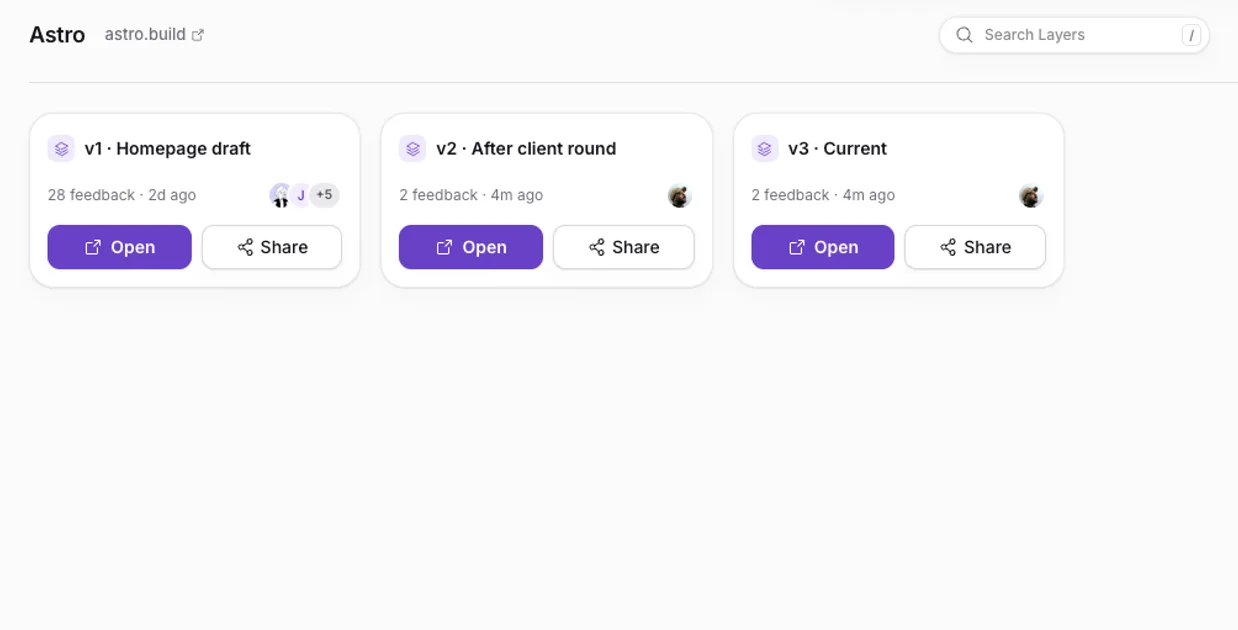
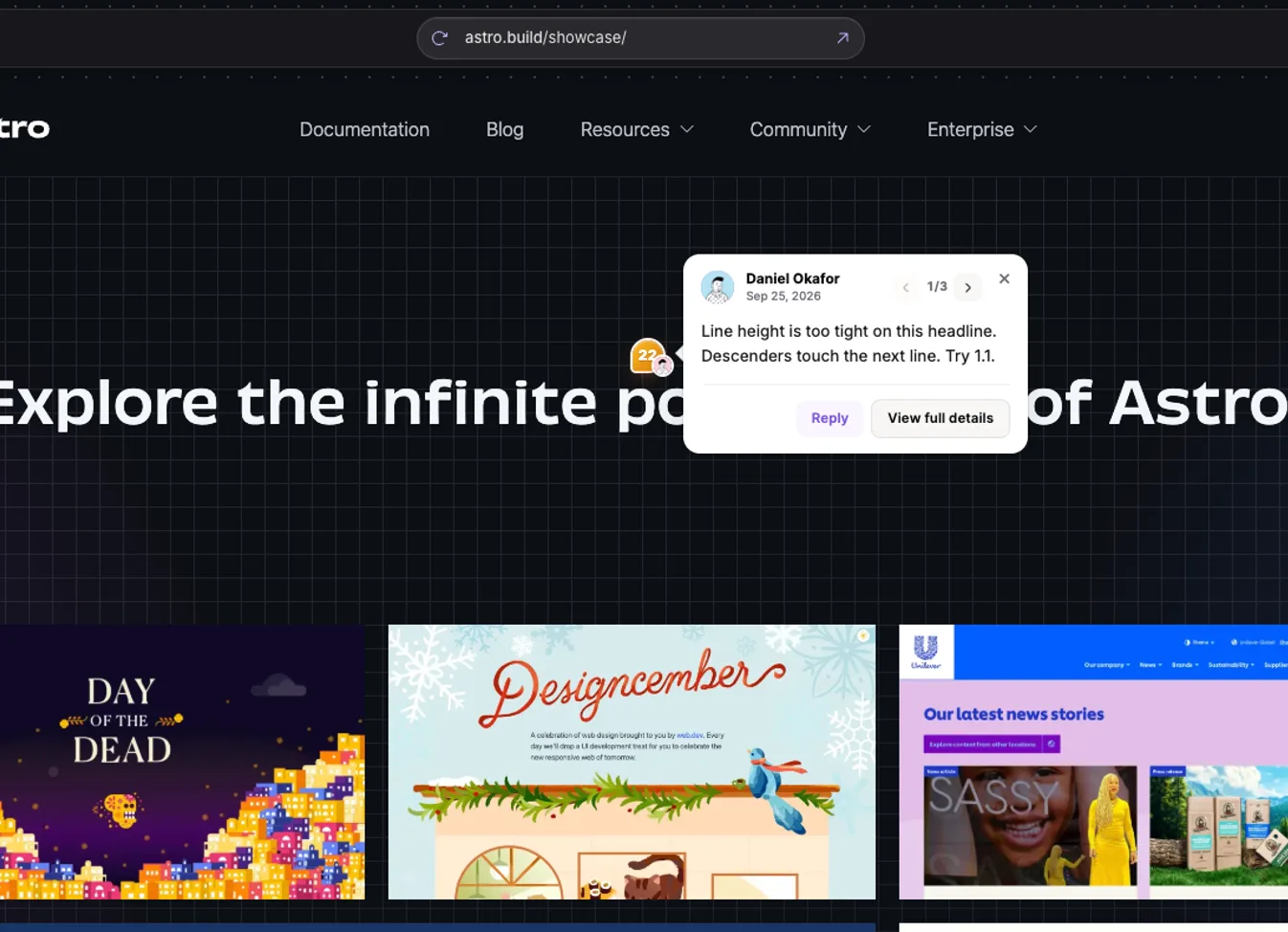
LayerDock works this way. A reviewer clicks the broken element on the live page and describes the problem in their own words. The pin records the page URL, the element’s selector, a screenshot, the browser and the viewport, along with the console and network activity. In your editor, the agent calls list_feedback to see what is open, get_feedback for one pin’s full brief, then reply_to_feedback and update_feedback_status to report back and resolve it. On the Pro plan the brief carries the comment, element, screenshot and page URL; on Agency it adds the console and network trace and the element’s exact design values. Setup is a token and one config block: connect your coding agent. The AI bug fixing page shows the whole loop.
Keep a person in the loop
A good report makes the agent’s first attempt much better. It does not make review optional.
- Strip secrets first. Take passwords, API keys, session tokens and customer data out of the report, the screenshot and any pasted request before an agent sees them. Failed requests are the usual place a token hides.
- Read the diff before it ships. Check the change is where you expected, and no bigger than it needs to be.
- Check it where it broke. Open the page at the viewport and in the state from the report. A fix that passes the tests can still miss the case the reviewer actually saw.
- Tell the reviewer, and let them confirm. Close the loop on the original report so the person who found the bug can check it is gone. In LayerDock, a reply posted through MCP is labelled as coming via a coding agent, so the reviewer can tell it apart from a teammate’s own word.
If the reports come from clients or colleagues rather than from you, the same principles apply to them: see how to give website feedback developers can act on.