On this page
A website feedback form works when it asks one thing and makes answering cheap. Below are six website feedback form examples, the fields each one needs, and the point where a form stops being the right tool and pinned comments on the page itself do the job better.
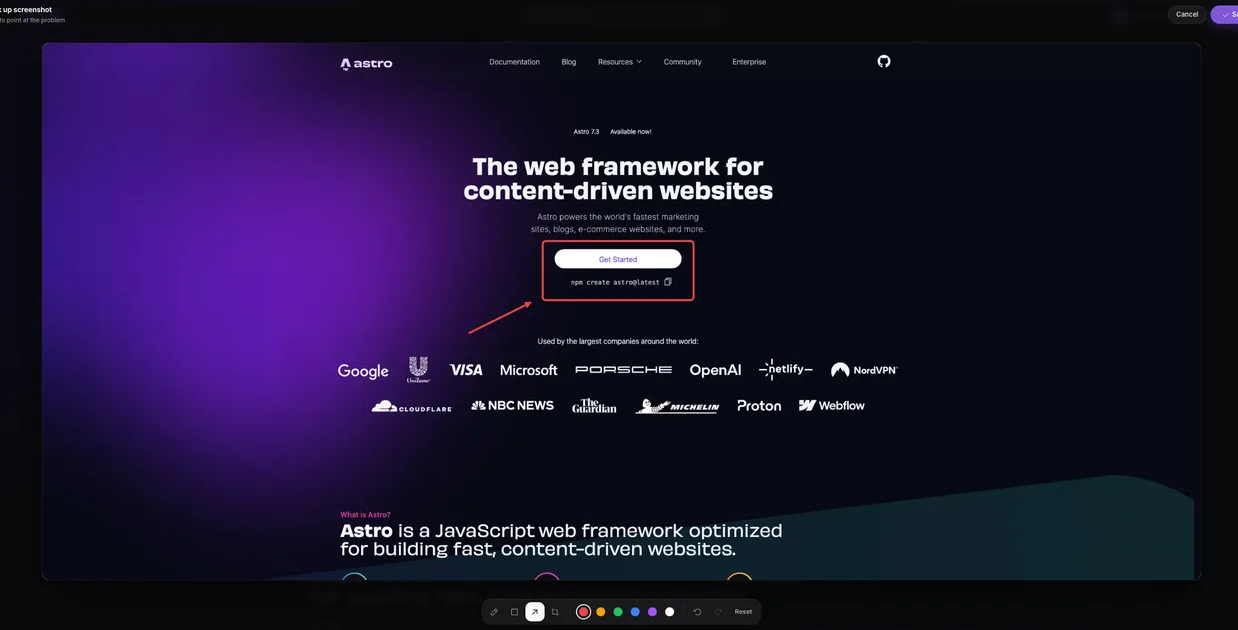
Try this on your own site
Paste your site, send one link, and your client or team pins comments on the live page. Nothing to install.
Free forever, no card. Clients just open the link, nothing to install.
Choose the form by the question
Most forms fail before the first field, because they try to answer several questions at once: how happy are people, what is broken, what should we build next. Each of those is a different form. Decide which question you are asking, then use the example below that matches it.
- How is it going? A rating form. It measures and it trends over time.
- What is broken? A bug report form. It diagnoses.
- What do you think of this design? A design review, which is better done on the page than in a form (see the last section).
Six website feedback form examples
Quick rating form
Measuring how a page or flow is landing, such as a checkout or onboarding step.
- Rating, 1 to 5
- What is the main reason for your score? (open text)
- Email (optional)
Bug report form
Letting visitors tell you something is broken.
- What went wrong? (open text)
- What did you expect to happen? (open text)
- Screenshot upload (optional)
- Email (optional, for follow-up)
Content helpfulness form
Help articles and documentation.
- Was this page helpful? (Yes / No)
- What was missing? (shown only after No)
Contact and general feedback form
A catch-all on a small site.
- Topic (Question / Suggestion / Problem)
- Message (open text)
- Email (required, so you can reply)
Design review form
Collecting a stakeholder’s reaction to a design or a page at launch.
- Page URL
- Which part of the page? (open text)
- What do you see? What did you expect?
- Priority: blocks launch / this round / later
Exit-intent form
Finding out why a visitor is leaving without converting.
- What stopped you today? (single choice: price, missing feature, unclear, just browsing, other)
- Anything else? (open text, optional)
Fields to keep and fields to cut
Keep
- One closed question (a 1 to 5 rating, yes or no, or a short list of choices) so the answers can be counted.
- One open question, so you learn why.
- An optional email, with a sentence saying what you will use it for.
Cut
- Anything you can record without asking: the page URL, the browser, the screen size.
- Required name and phone fields on a form nobody has a reason to trust yet.
- A second rating scale. Two scales on one form is a survey, and surveys get abandoned.
When a form is the wrong tool
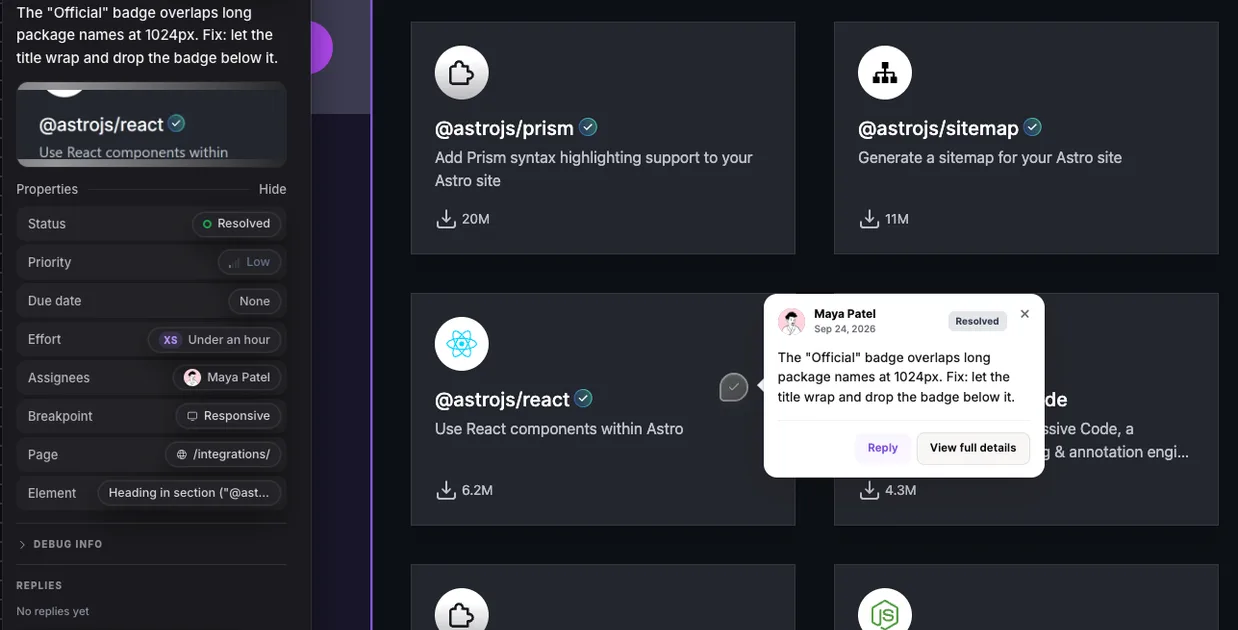
A form collects opinions about a site from people who are looking at it. It cannot tell you which heading, which button or which gap a person means. For reviewing a design, QA before launch, or a client’s round of changes, that missing location is the whole problem: the reply comes back as “the header looks off” and someone has to ask which header.
That job suits a website feedback tool instead. The reviewer opens a link, clicks the element and types the comment; the page, the element, a screenshot, the browser and the screen size are recorded with it. LayerDock works this way, with no account for the reviewer and nothing to install, and it has a free plan. For writing comments that a developer can act on, see how to give website design feedback, or try it on any public site without signing up. Comparing options? 17 website feedback tools, compared.