On this page

Endless client revisions are rarely about a difficult client. They come from a process with no edges: no agreed number of rounds, feedback arriving everywhere, and no moment when a round is over. Here is why it happens on website projects and seven fixes that hold.
Try this on your own site
Paste your site, send one link, and your client or team pins comments on the live page. Nothing to install.
Free forever, no card. Clients just open the link, nothing to install.
Why revisions never end
- No number of rounds was agreed, so every request looks like part of the job.
- Feedback comes through every channel: email, chat, calls, screenshots in a message, a comment from a colleague who was not in the brief. Some of it arrives after you thought a round was done.
- Comments are vague, so a fix misses, and the miss becomes another round.
- Nothing marks the end of a round, so the round just stays open.
- New requests hide inside revisions: “while you are in there, can we add a blog?”
Seven fixes that hold
- Put rounds in the proposal. Say how many review rounds are included and what a round is, before the work starts. A number agreed up front is easy to point back to.
- Agree the brief in writing first. If the brief is not signed off, every round reopens it.
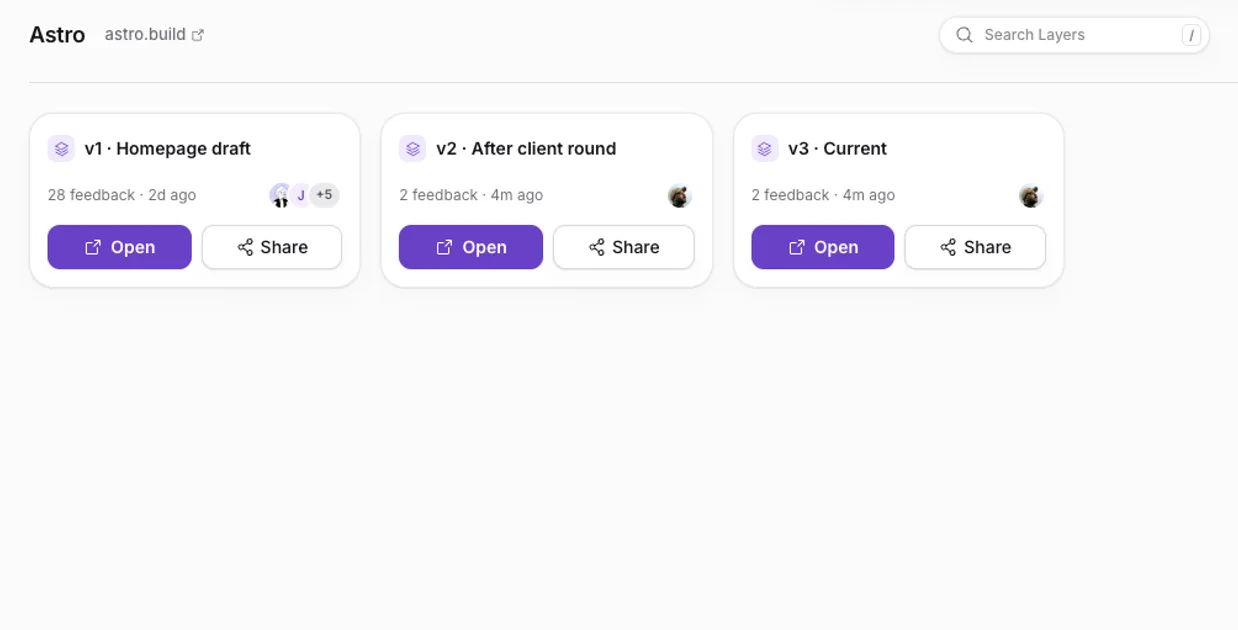
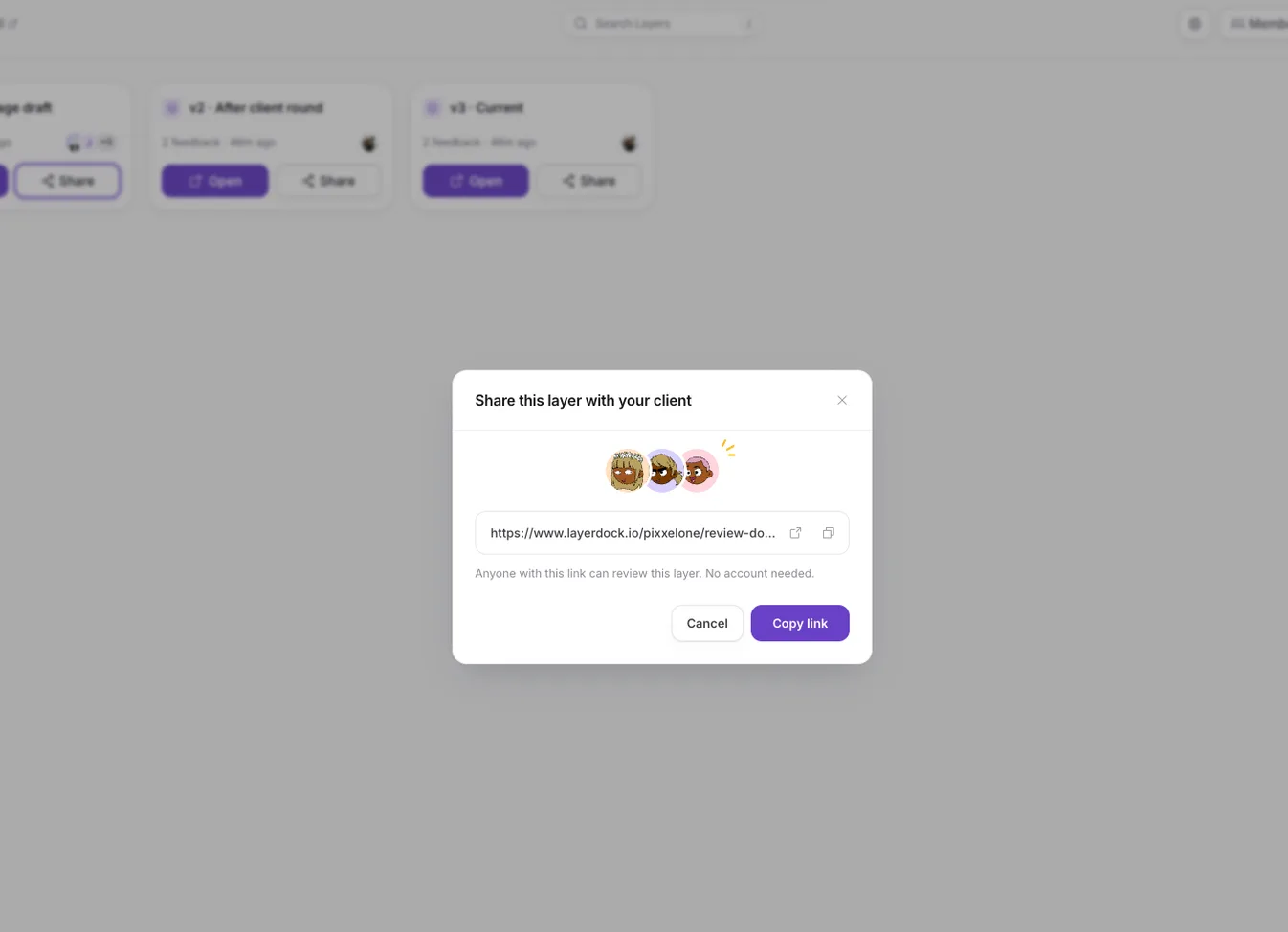
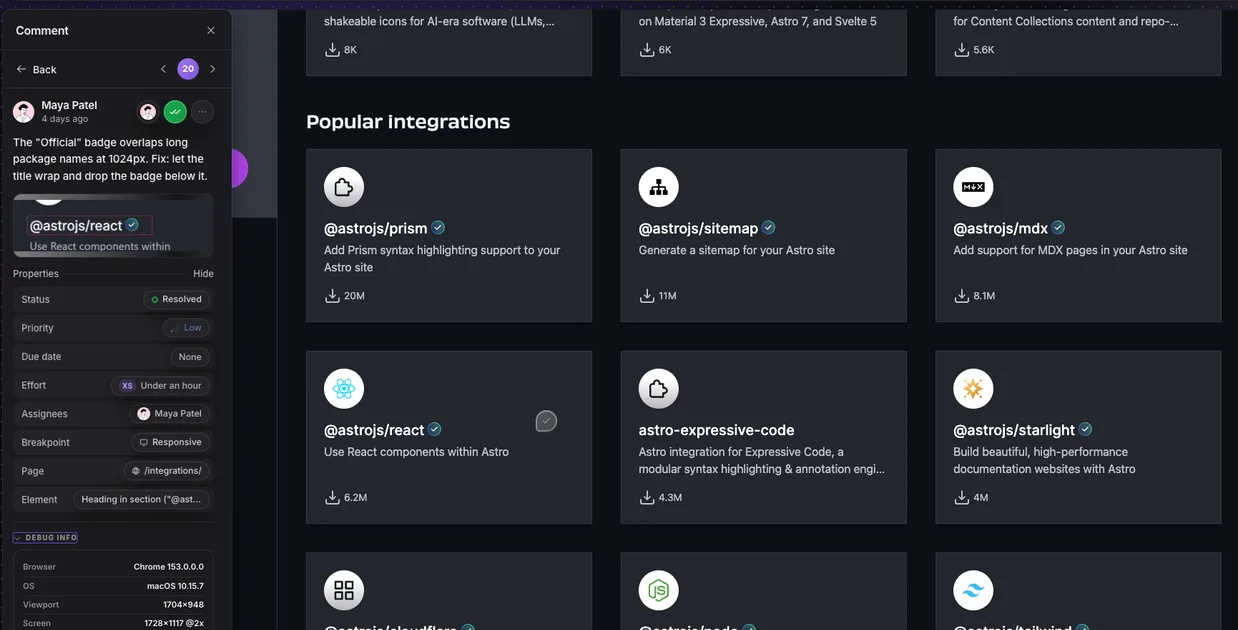
- Use one feedback channel. One review link per round, where clients pin comments on the page itself. Feedback that arrives by email gets moved there, so there is one list to work from.
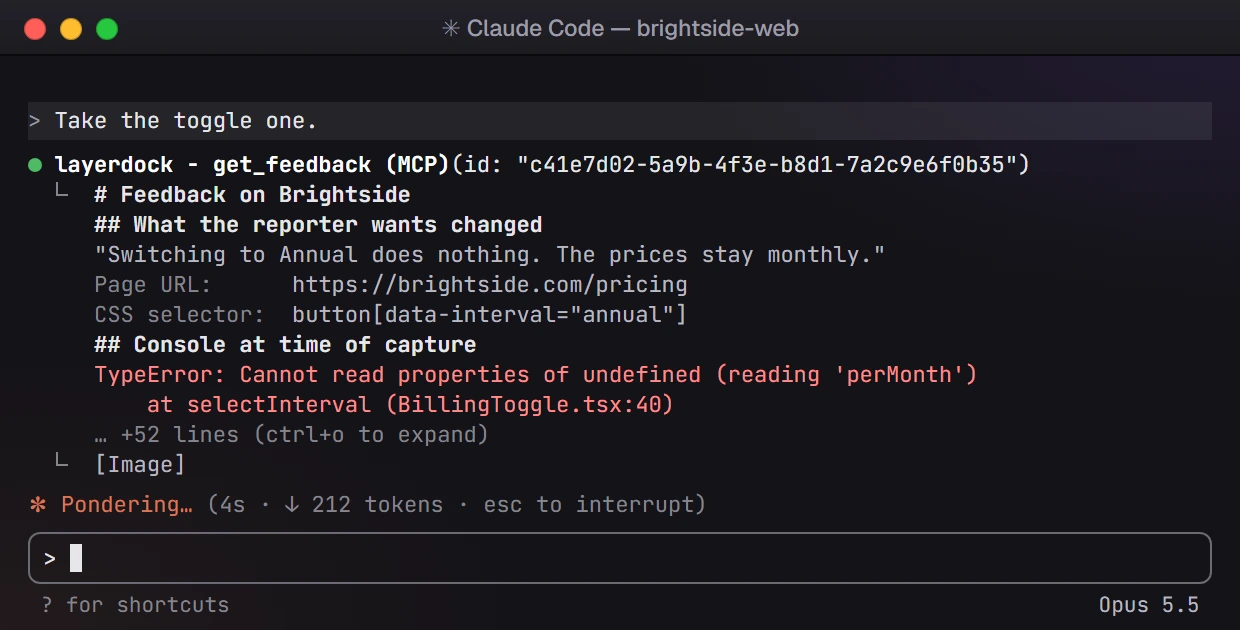
- Ask for specific comments. Send the client a short guide like these website feedback examples, so each comment says where, what and why, and the fix lands first time.
- Give each round a closing date. “Please add everything by Thursday 5pm.” Comments after that go into the next round.
- Resolve everything in the round, visibly. Mark each comment resolved or answered, so the client can see the round is done rather than wondering what happened to their notes.
- Ask for sign-off in writing. At the end of the last round, ask the client to approve the pages by name. Anything after that is a change request.
What to put in the proposal
- The number of review rounds included, and what each round covers (design, build, final fixes).
- What counts as a revision, and what counts as new scope (new pages, features, content).
- How feedback is collected: one review link per round, comments pinned on the page.
- How long the client has to review each round, and what happens if feedback is late.
- The rate or process for changes after sign-off.
The website review and approval process post lays out five stages with start and end conditions, if you want a ready-made structure.
A message for an extra round
When a request lands after the last round, name it kindly and give the client a way forward:
Collecting each round on the page itself makes the rest easier: every comment has an owner and a status, and the round ends when the list is empty. That is what a website proofing tool is for.